Email Forwarding vs Aliases vs Mailboxes: What to Use
Forwarders, aliases and full mailboxes look similar but behave differently. Learn which to use for role addresses, staff changes and cost control.
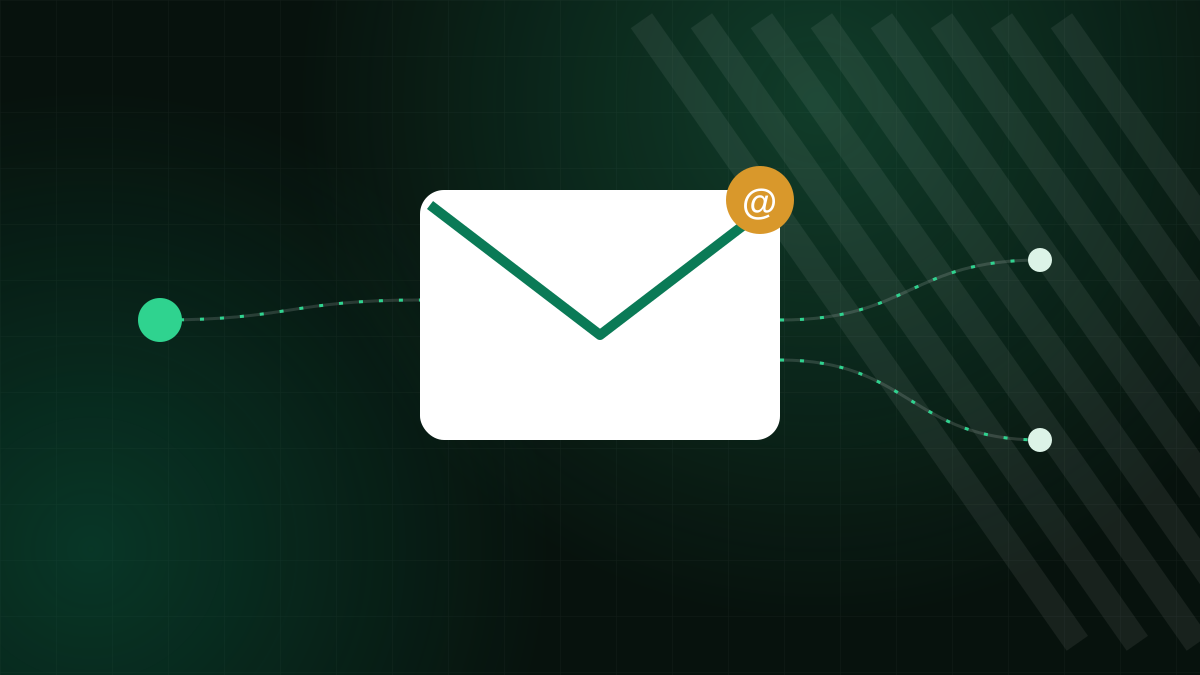
When you set up business email you will meet three terms that sound alike: mailboxes, aliases and forwarders. Choosing the wrong one can mean paying for storage you do not need, losing the ability to reply from the right address, or breaking mail authentication. Here is what each does and when to use it.
The three building blocks
Mailbox
A mailbox is a real account with its own storage, password and login. Messages are stored on the server, and you can read them with webmail or any mail app. It is the only one of the three that holds mail.
Alias
An alias is an additional address that delivers into an existing mailbox. If [email protected] is an alias of [email protected], mail to both ends up in Anna's inbox. An alias has no storage and no password of its own. Many systems also let you send as the alias.
Forwarder
A forwarder takes mail received at one address and sends a copy to another address, which may be on a completely different domain, such as a personal account at a public provider. It can optionally also keep a copy in the original mailbox, depending on setup.
Comparison
| Mailbox | Alias | Forwarder | |
|---|---|---|---|
| Stores mail | Yes | No (uses target mailbox) | No, unless it keeps a copy |
| Own login | Yes | No | No |
| Can deliver outside your domain | No | Usually no | Yes |
| Can send as that address | Yes | Often, if configured | Not by itself |
| Typical use | Each person | Role addresses such as info@ | Redirecting to external accounts |
When to use each
Mailbox: for people and for anything that needs its own history
Each employee gets a mailbox. Use a mailbox too for a role that several people need to work in together and keep records, such as support@, where a shared inbox with folders and its own sent items is useful. Our shared mailboxes article describes this.
Alias: for extra addresses that belong to one person
Aliases are ideal for info@, sales@, billing@ or a misspelling of a name, all pointing to the same person's inbox. They cost nothing extra in storage. They are also useful for tidy newsletters: sign up with shop-newsletter@ and you can see who sold your address if it starts getting spam.
Forwarder: for sending to places you do not host
Use a forwarder if a contractor wants business mail delivered to their own address, or if you want a copy of certain mail in a separate system. Be sparing, because forwarding has drawbacks.
The drawbacks of forwarding
- SPF breaks. The forwarding server's IP is not in the original sender's SPF record, so SPF fails at the destination. DKIM usually survives, which is why senders need both.
- Spam travels. Forwarded spam may be blamed on your server, hurting your reputation with the destination provider.
- Loss of control. Once mail is forwarded to an external account, you cannot enforce your security policies there, and a departing employee may keep receiving company mail.
- Loops. Two forwarders pointing at each other cause mail to bounce back and forth until it is rejected.
A forwarder is also a favourite persistence tool for attackers who break into a mailbox, since a hidden forwarding rule quietly copies all mail to them. Review forwarding rules in any account you suspect was compromised.
Practical patterns
- One mailbox per person, named with a clear pattern.
- Role addresses as aliases, pointing to the person responsible this quarter.
- A shared mailbox for busy functions like support.
- When someone leaves, convert their address to an alias for their replacement for a few months, then retire it or keep it as a catch for old contacts.
- Avoid catch-all addresses unless you can filter well, since they attract guessable spam.
Cost thinking
Pricing models vary: some providers charge per mailbox, some by storage, and some allow unlimited aliases. Aliases are almost always the cheaper way to add addresses. Before you buy more mailboxes, ask whether the extra address needs a separate inbox or only a different name.
Replying from an alias
One detail catches people out: receiving at an alias is easy, but replying from it needs a setting in your mail app. If a customer writes to sales@ and you answer from your personal address, the conversation suddenly moves to a different name, and the customer may not recognise it. In most clients you can add the alias as an extra "send as" identity, which makes the From address match. Check that your provider lets authenticated users send as the alias, and that your SPF and DKIM cover that sending path.
Retiring an address
When a person leaves, avoid deleting the mailbox immediately. Keep it for a defined period, redirect new mail to their replacement, and export what the business needs to keep. After that, turn the address into an alias or remove it. Document the decision, so you know what happened to important correspondence.
Managing addresses with Zebra Hosting
With Zebra Hosting email plans you manage mailboxes, aliases and forwarders in Plesk, and the same price applies at every renewal. Support in 17 languages can help you pick the right structure for your team. Review the email hosting plans or ask us via the contact page.