Headless WordPress Basics: What It Is and When It Is Worth It
Headless WordPress uses WordPress as a content backend and a separate front end for display. Learn how it works, its benefits and the costs before you try it.
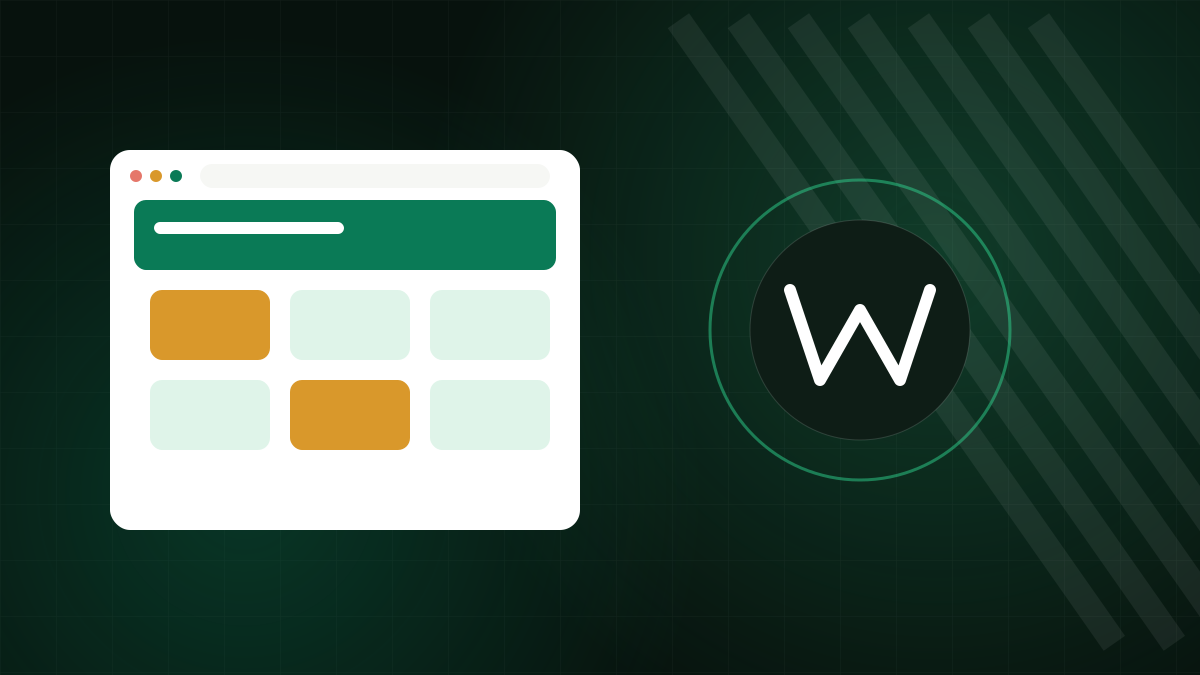
Headless WordPress is a way of using WordPress only to manage content, while a separate application displays that content to visitors. The editor experience stays familiar, but the website itself is built with a different technology. It has real advantages for some projects, and real costs for many others. This article explains the idea in plain terms so you can judge whether it fits.
Traditional versus headless, and how content gets out
In a traditional WordPress site, one system does everything. WordPress stores content, runs PHP, applies the theme and sends finished HTML pages to the browser. The front end, the visible part, is the theme.
In a headless setup, WordPress becomes a content management backend. It exposes content through an API. A separate front-end application, built with a JavaScript framework or another tool, fetches the content and renders the pages. The word headless refers to removing the head, the presentation layer, from the CMS.
How the content gets out
WordPress includes a built-in REST API that returns posts, pages, media, categories and other data as JSON. Many projects also use GraphQL through a plugin, which lets the front end ask for exactly the fields it needs in one request. Custom post types and fields can be exposed too, with some configuration.
Why people choose headless
- Front-end freedom. Developers can use the framework and design system they prefer, rather than working within theme templates.
- One content source, many outputs. The same content can feed a website, a mobile app and other channels.
- Performance potential. A front end that is pre-built into static pages and served from a CDN can be very fast, because visitors do not wait for PHP and database work.
- Separation of concerns. Editors work in WordPress, developers deploy the front end independently.
- Reduced exposure. If the public site is static or served separately, the WordPress admin can be locked down more tightly, for example by restricting access by IP address.
What you give up
This is where many projects stumble. In a traditional setup, a large ecosystem of themes and plugins provides features that just work. In a headless setup, many of those features no longer reach the front end automatically.
- Plugins that output to the front end such as page builders, SEO plugins that print meta tags, forms, sliders and consent tools need to be rebuilt or replaced.
- Preview. Editors expect to see a draft before publishing. Headless previews need extra development.
- Two systems to maintain. You now have a WordPress install and a front-end application, each with updates, security and hosting needs.
- Higher development cost. The project usually needs a developer with front-end skills, and ongoing support.
- SEO details. Metadata, sitemaps, redirects and structured data have to be generated deliberately.
Rendering approaches
Static generation
Pages are built ahead of time and served as files. They are fast and cheap to host, but content changes need a rebuild, or a partial rebuild, before they appear.
Server-side rendering
Pages are generated on request by a Node-based server. Content is always fresh, but you need a server running that application.
Client-side rendering
The browser loads a JavaScript app, which fetches content from the API. It is simple but can be weak for search visibility and initial load, so it is usually the least suitable for content sites.
Is headless right for you?
A traditional WordPress site is the better choice for most small business sites, blogs and standard shops. It is faster to build, cheaper to maintain and works with the full plugin ecosystem. Headless starts to make sense when you have:
- A development team comfortable with a JavaScript front end.
- A need to deliver the same content to several channels.
- A front-end design that is hard to achieve with themes.
- A performance or security requirement that justifies the extra complexity.
If none of these apply, headless is probably extra work for little benefit.
Security and hosting for the backend
The WordPress backend still needs normal care: updates, strong passwords, two-factor authentication and backups. Because only your front end needs to reach it, you can restrict public access to the admin. Hosting the two parts separately is common: WordPress on a standard host, the front end on a platform suited to the framework you chose. Alternatively, a VPS can run both.
Starting small
Instead of rebuilding a whole site, try a pilot: expose one content type through the API, build a small front-end page and see how editors and developers feel about it. Measure real benefits before committing.
Questions to ask before you commit
Who will maintain the front end after launch? How will editors preview content? Which current plugin features must the new front end replace? What is the plan for forms, search, redirects and analytics? If you cannot answer these confidently, a conventional WordPress theme, perhaps with a few custom blocks, will probably get you to launch faster and cost less to run.
Hosting the WordPress side
A headless setup still needs a dependable WordPress backend. Our WordPress hosting works well for the content side, and if you plan to run your own Node-based front end next to it, a VPS gives you the control you need.