DKIM Explained: Selectors, Keys and Signatures
DKIM signs every outgoing email so receivers can verify it. See how selectors, key sizes and rotation work, and how to fix a DKIM record that fails.
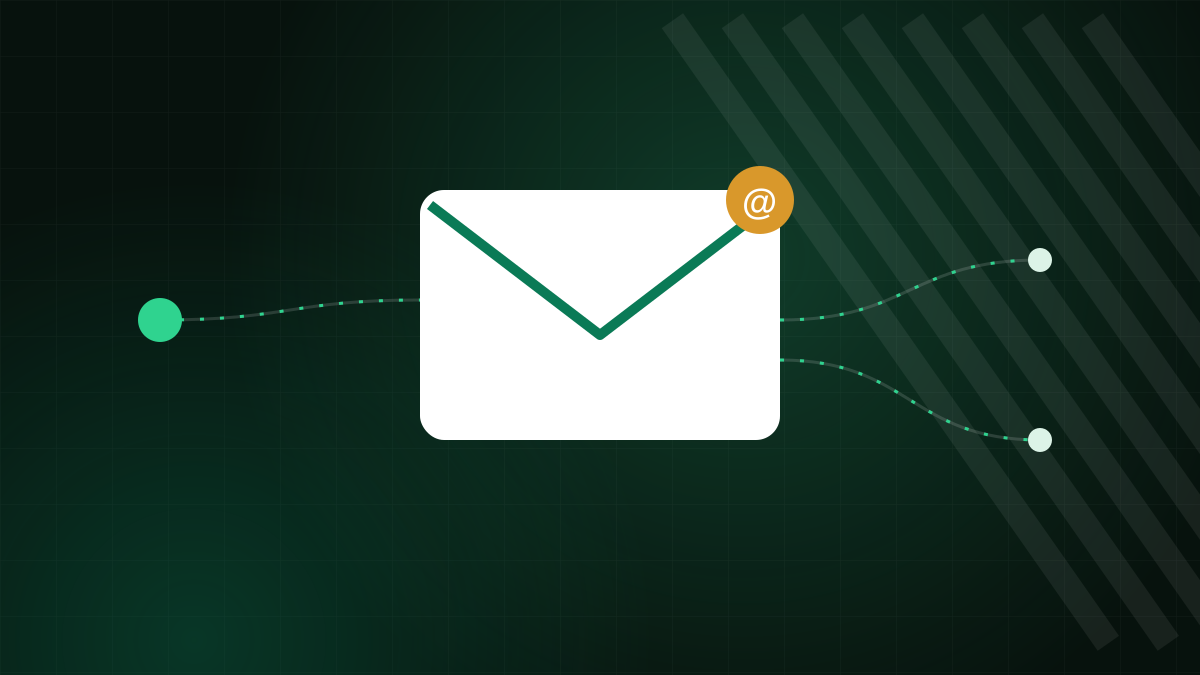
DKIM, short for DomainKeys Identified Mail, lets a sending server attach a digital signature to every message. A receiving server checks that signature against a public key you publish in DNS. If it matches, the receiver knows two things: the message was authorised by the signing domain, and the signed parts were not changed on the way. This article explains the parts of a DKIM setup and the mistakes that cause it to fail.
How DKIM works in four steps
- Your mail server holds a private key that never leaves it.
- When you send a message, the server creates a hash of selected headers and the body, and encrypts that hash with the private key. The result is added as a
DKIM-Signatureheader. - The receiving server reads the signature header, which names the signing domain (
d=) and the selector (s=). - It fetches the public key from DNS, recomputes the hash and compares. A match means the signature is valid.
What a selector is
The selector is a label that lets a domain publish more than one DKIM key. The public key lives in a TXT record at:
selector._domainkey.example.comIf your server signs with the selector mail2025, the receiver looks up mail2025._domainkey.example.com. Selectors are how you run several sending services side by side, each with its own key, and how you rotate keys without downtime: publish the new selector first, switch the server to use it, and retire the old one later.
Anatomy of a DKIM record
| Tag | Meaning |
|---|---|
v=DKIM1 | Version of the record |
k=rsa | Key type (RSA is the most widely supported) |
p=... | The public key, base64 encoded |
t=y | Testing mode flag; remove it once you are live |
A record is a long TXT value. If you remove the p= value entirely, you are telling the world that the key is revoked.
Key length
RSA keys of 2048 bits are the recommended choice for new setups. Older 1024-bit keys are still seen and widely accepted, but they are weaker. The practical issue with 2048-bit keys is that the public key is longer than the 255-character limit of one DNS string. DNS handles that by splitting the value into several quoted strings inside one TXT record, which most DNS editors do for you. If yours does not, you may need to split the value manually. A missing character from a copy and paste is a very common reason DKIM fails.
Alignment with DMARC
A valid DKIM signature is not enough on its own for DMARC. The domain in the signature (d=) must align with the domain in the visible From address. If a newsletter service signs messages as d=mailer-service.net while your From address uses your own domain, DKIM passes but does not align. The fix is to set up the service's custom domain authentication, which gives you CNAME or TXT records to publish so the service signs as your domain.
Why DKIM often survives forwarding
SPF fails when a message is forwarded, because the forwarding server's IP is not in your record. A DKIM signature travels inside the message, so it still verifies at the final destination, as long as the signed parts were not modified. That is why you want both SPF and DKIM. Mailing lists that add footers or change the subject can break the body hash, which is a known limitation.
Troubleshooting a failing signature
"No key for signature"
The selector in the message does not match any record in DNS. Check the spelling of the selector and that the record is at selector._domainkey, not at the root.
"Bad signature"
The key does not match, or the message was modified. Confirm that the published public key is the one that belongs to the server's current private key. After regenerating keys on the server, always republish the DNS record.
DNS not updated yet
If you just added the record, wait for the old negative answer to expire. See our DNS propagation article for what to expect.
Quotes and line breaks
Some DNS editors wrap or alter long values. Use the preview or an online DKIM checker to confirm the live record is what you intended.
Practical habits
- Use a unique selector per service, so you can retire one without affecting the others.
- Rotate keys now and then, for example once a year, and when staff with key access leave.
- Keep a note of which selectors belong to which service.
- Test after any server or DNS change by sending to an account that shows authentication results.
What DKIM does not do
A valid signature proves that a domain vouched for a message. It does not prove the message is wanted, honest or safe, and it does not stop someone from sending mail that simply uses a different, look-alike domain. It also does not encrypt anything: the content of the message is still readable in transit unless the connection itself is encrypted. Think of DKIM as one layer in a set that includes SPF, DMARC and transport encryption.
DKIM with Zebra Hosting
On Zebra Hosting email plans, the control panel is Plesk, where mail signing is configured for your domain, and support in 17 languages can help you confirm that the published record matches. Choose a plan on the email hosting page, or find setup help in the knowledge base.