Time to First Byte (TTFB): What It Is and How to Lower It
TTFB shows how long your server takes to start responding. Learn what slows it down, how to measure it and how caching, PHP and database fixes lower it.
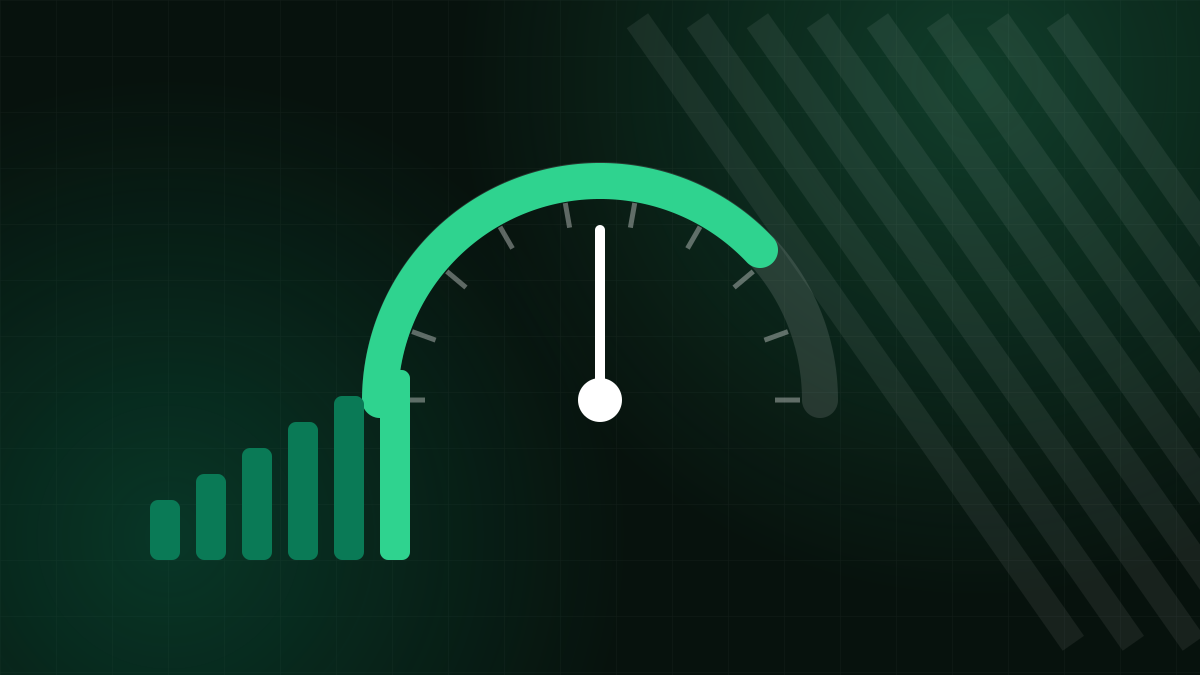
Time to First Byte, or TTFB, is the time between a browser requesting a page and receiving the first byte of the response. It is not one of the Core Web Vitals, but it sits underneath them: nothing can be displayed until that first byte arrives, so a slow TTFB drags down Largest Contentful Paint and everything else on the page. Google's web performance guidance suggests aiming for a TTFB of roughly 0.8 seconds or less for most visits, treating it as a guideline rather than a hard rule.
What TTFB includes
TTFB is a sum of several steps, which is why it helps to know them:
- Redirects: every redirect, such as http to https or non-www to www, repeats the following steps.
- DNS lookup: turning your domain into an IP address.
- Connection: the TCP handshake, and for HTTPS the TLS negotiation.
- Server processing: the time your application takes to build the response: PHP, database queries, templates.
- Network transit: the first bytes travelling back to the visitor.
Any of these can dominate. A site on a fast server can still have a poor TTFB because of three chained redirects, and a site with a perfect network path can be slow because the database is struggling.
How to measure it
- PageSpeed Insights reports "Server response time" in its diagnostics and shows field TTFB when data exists.
- Chrome DevTools shows "Waiting for server response" in the timing breakdown of the first request in the Network tab.
- curl from a terminal gives a quick, repeatable number:
curl -o /dev/null -s -w "TTFB: %{time_starttransfer}s\n" https://your-site.example/Test several times and from more than one location, since a single result can be skewed by a cold cache or a momentary spike. Test both a cached and an uncached page: a big difference tells you caching is doing its job when it is on.
Common causes and fixes
No page caching
A dynamic page built from scratch on every request is the most common reason for slow TTFB on CMS sites. Enable full-page caching so the server returns stored HTML, and TTFB often drops dramatically. See our article on server-side caching.
Old PHP version
Newer PHP releases are generally faster than older ones for the same code. Move to a supported version and test your plugins first on a staging copy.
Slow database queries
Heavy plugins, missing indexes, bloated tables and expired transients in the options table slow down page generation. Query monitoring tools can show which queries are slow, and a clean-up of leftover data helps. Our article on database performance covers the basics.
Too many plugins doing work on every request
Each active plugin may run code, queries and remote calls before the page is returned. Plugins that call external APIs synchronously are especially harmful, since your server waits for another server's reply.
Redirect chains
Aim for one hop at most. Make links, canonical URLs and sitemaps point to the final address, including protocol and www choice.
Distance and DNS
A visitor far from your server pays in network round trips. A CDN reduces this for cached content and shortens connection setup. A slow DNS provider adds delay on first lookups, so use a reliable one.
An overloaded or underpowered server
If TTFB is slow even for static files, or only at busy times, the server may be short of CPU, memory or disk speed, or may be shared with noisy neighbours. This is where upgrading from entry-level shared hosting to a plan with more resources, or to a VPS, can make a measurable difference. If you decide to move, the team can migrate your site for free through the migration service.
A practical order of work
- Measure a cached and uncached page, and note redirect count.
- Remove redirect chains.
- Turn on page caching and confirm it is working.
- Update PHP and remove or replace the heaviest plugins.
- Check the database, then consider a CDN.
- If TTFB is still poor on lightweight pages, look at the hosting plan.
Reading the numbers sensibly
TTFB varies from request to request, so do not draw conclusions from a single measurement. Take five or more samples and look at the typical value and the worst. A first request after a long idle period may be slower because caches are cold, application processes need to start, and database connections must be opened. That warm-up cost is normal, but if it is consistently several seconds, look at how the application starts and whether a persistent object cache would help.
It also helps to separate your own site from the platform around it. Compare the TTFB of a plain static file, such as a small text or image file, with the TTFB of a dynamic page. If the static file is quick but the page is slow, the problem lives in your application. If both are slow, look at the server, network or DNS instead. That one comparison saves a lot of wasted tuning.
Do not over-optimise a good number
Once TTFB is comfortably low for your visitors, further work has diminishing returns. Shaving 50 milliseconds from a server response matters far less than removing a 2 MB image or a blocking script. Fix the largest cost first, and return to server tuning only when the waterfall shows the first request as the main delay.
When it is the host
Application fixes go a long way, but you cannot tune around chronic server overload. If you suspect your current plan is the limit, compare options on the comparison page. Zebra Hosting Cloud offers shared, WordPress, VPS and dedicated plans with Plesk.